BigQuery is Google’s fully managed, petabyte scale, low cost analytics data warehouse. BigQuery is NoOps—there is no infrastructure to manage and you don’t need a database administrator—so you can focus on analyzing data to find meaningful insights, use familiar SQL, and take advantage of Google’s pay-as-you-go model.
Do not have a Google BigQuery account? Refer this link.
Electrik.AI currently supports Google BigQuery as destination when exporting data from Google Ads. Drop us a message, if you don’t see your favorite data warehouse.
BigQuery is Google’s fully managed, petabyte scale, low cost analytics data warehouse. BigQuery is NoOps – there is no infrastructure to manage and you don’t need a database administrator – so you can focus on analyzing data to find meaningful insights, use familiar SQL, and take advantage of Google’s pay-as-you-go model.
Don’t have a Google BigQuery account? Refer this link.
Step 1: Ensure you have following prerequisites to create a Google BigQuery Connection in Electrik.AI
- Access to Google BigQuery
- Google BigQuery Account User Id and Password.
Step 2: Signup for your Electrik.AI account
Step 3: Sign-in into your Electrik.AI account
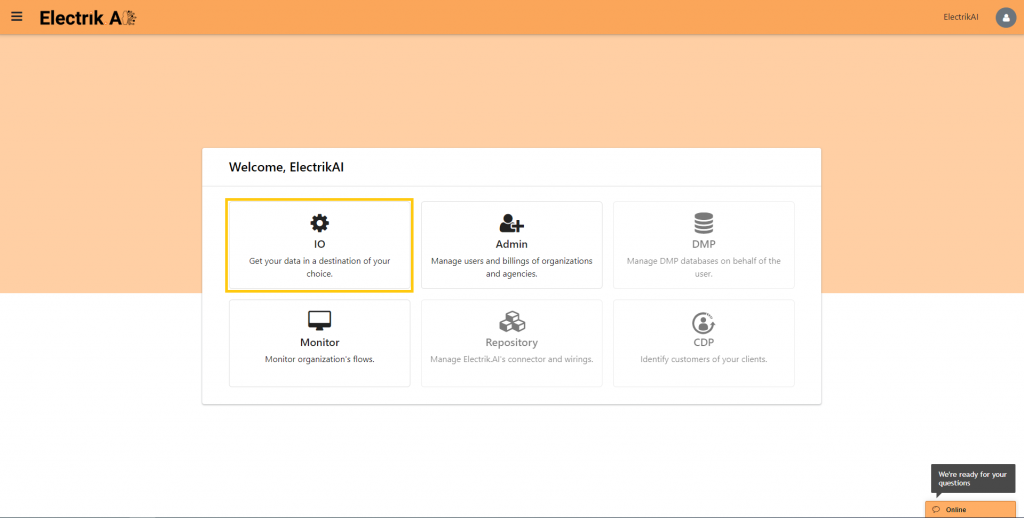
Step 4: Select IO in Electrik.AI dashboard
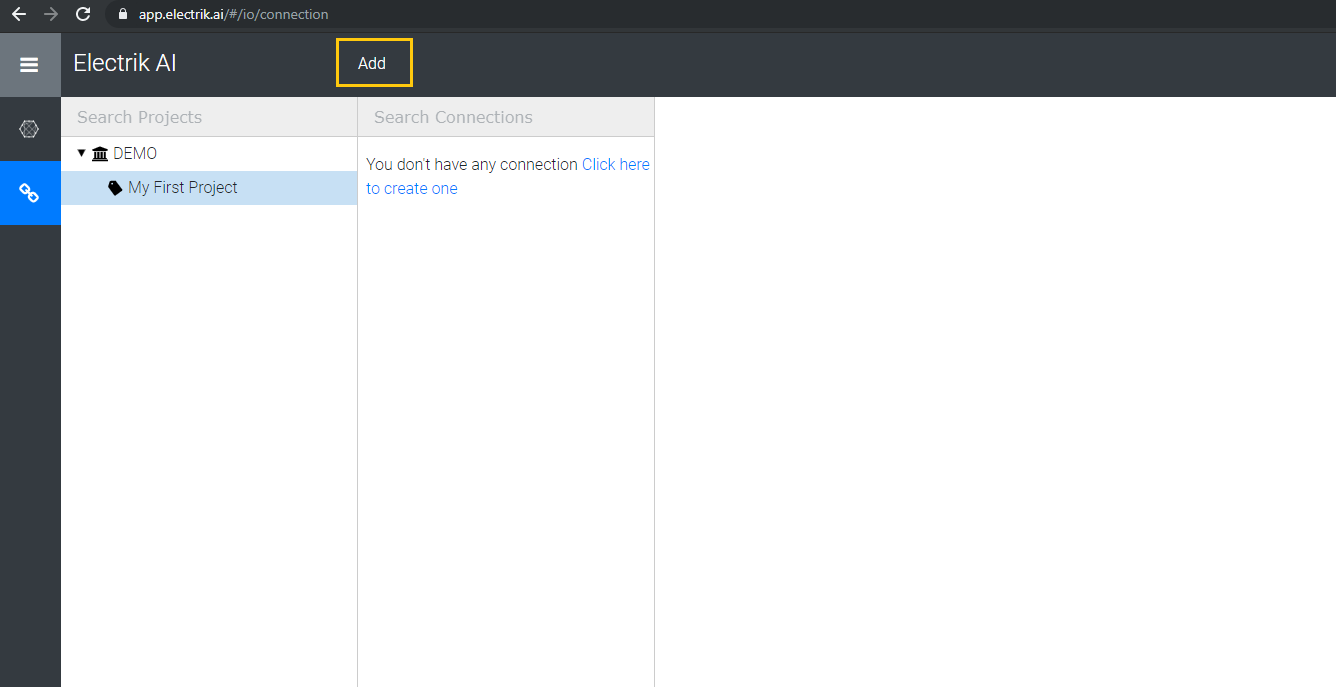
Step 5: Select the Connections Icon in the left most panel and Click “Add” button at the top.
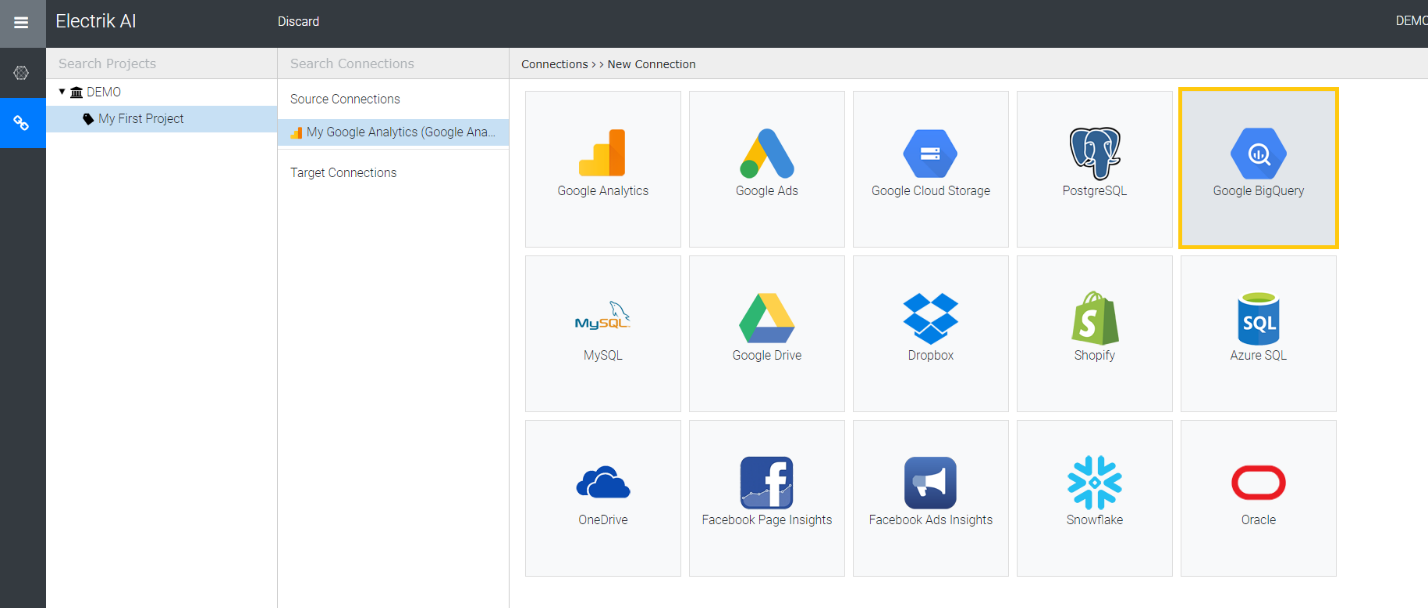
Step 6: Click on “Google BigQuery” icon to create a Google BigQuery connection.
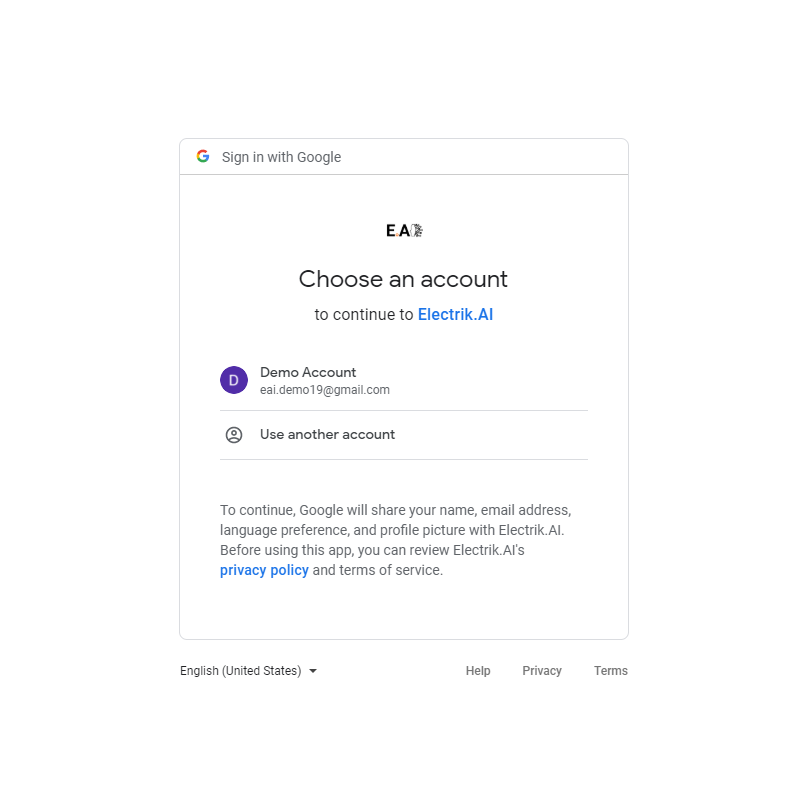
Step 7: Enter your Google Cloud Platform UserId and Password.
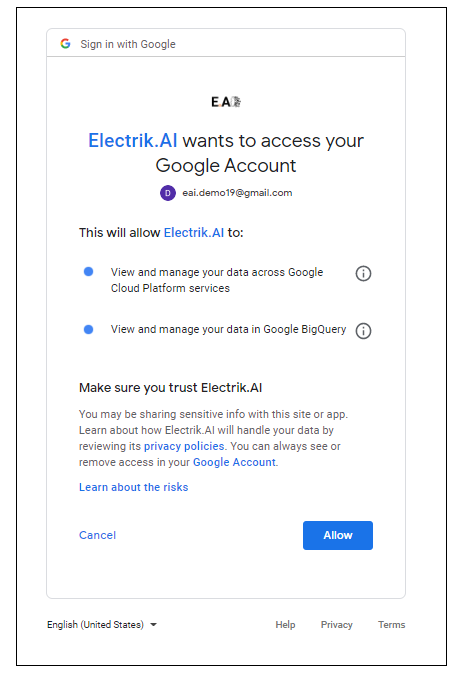
Step 8: Allow Electrik.AI to access your Google BigQuery account.
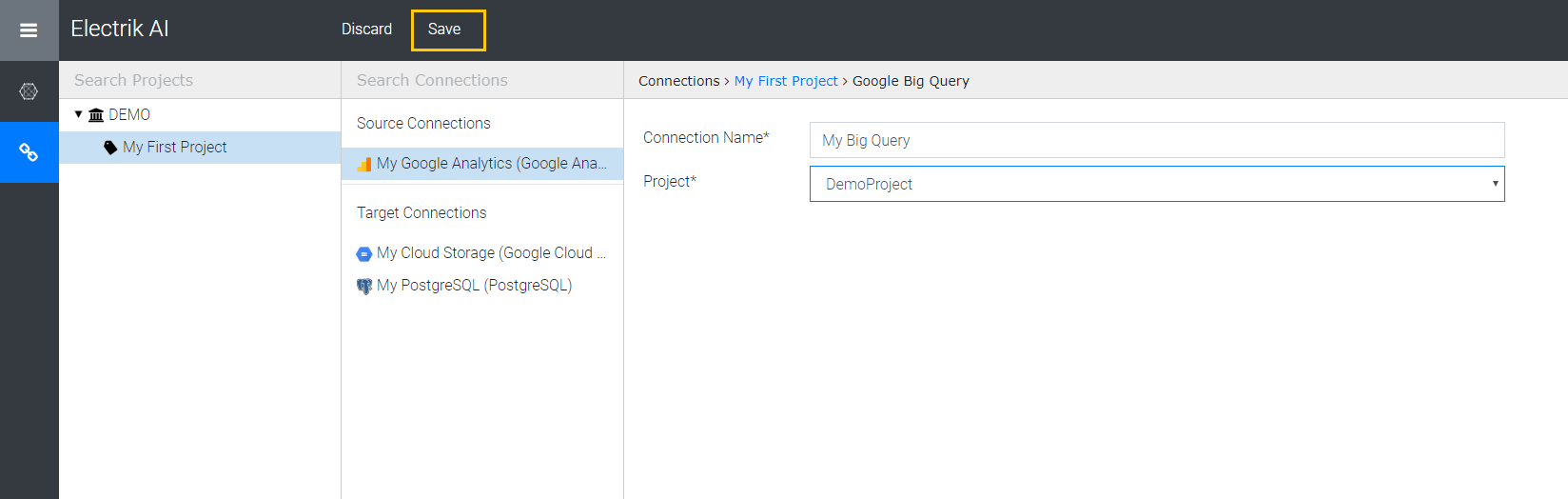
Step 9: Choose your Google BigQuery Project
Note: Google BigQuery Project can be found in your Google BigQuery console. Refer screenshot below for details.
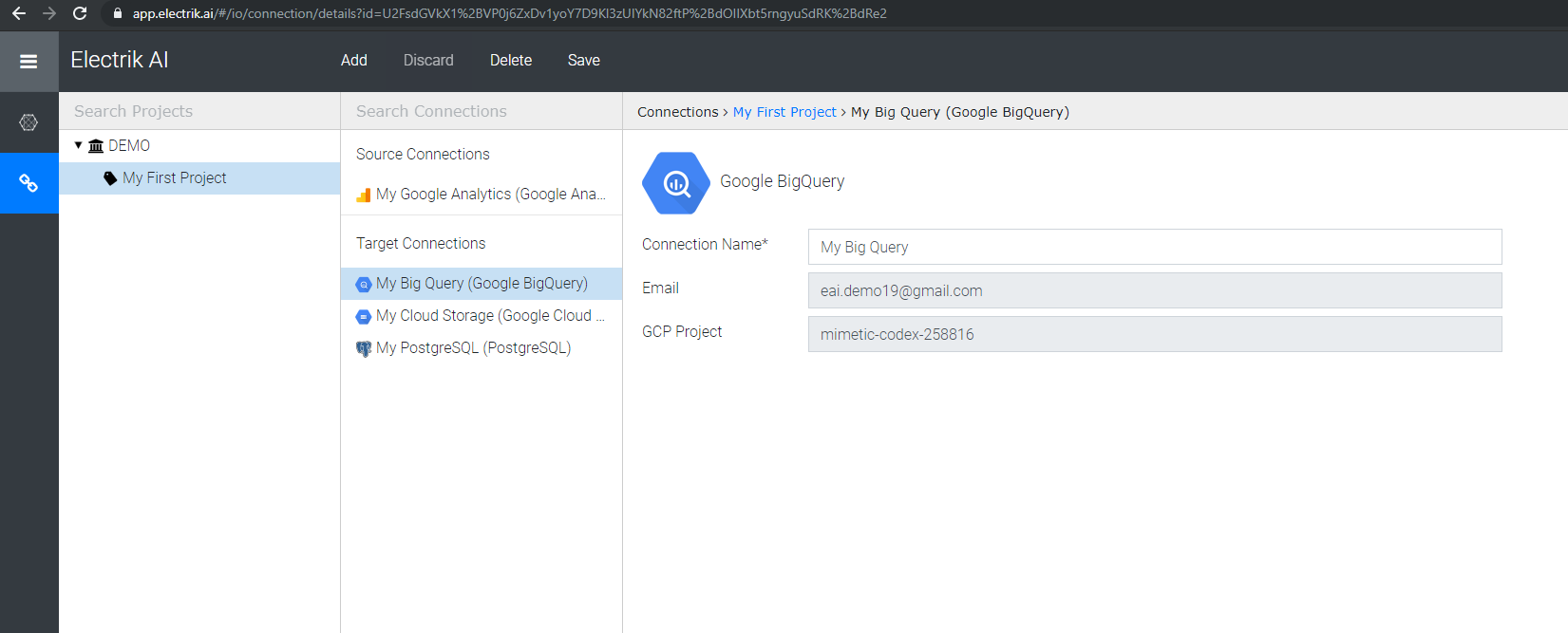
Step 10: Click “Save”, to continue.
Step 11: Congratulations, you have successfully created a Google BigQuery connection in Electrik.AI