


Electrik.AI is a cloud-based service for users interested in tracking visitor information on their website or mobile application. Our base offering, Google Analytics Hit Data Extractor captures and ships un-sampled and hit level data from your Google Analytics account to your desired location daily. We believe whatever data is created on your website; it belongs to you. We will help you capture every event on your website for independent analysis and reporting.
Docs
- Google Analytics Hit Data Extractor
- Google Analytics Historical Data Extractor
- Google Search Console Data Export
- Google Ads Data Export
- Microsoft Ads Data Export
- Facebook Ads Data Export
- Quora Ads Data Export
- Google Analytics Custom Report Extractor
- LinkedIn Ads Data Export
- Freshworks Data Export
- Freshdesk Data Export
Electrik.AI App Documentation
Introduction
Registration
Step 1: Go to “http://electrik.ai”. Click on ‘Try For free’ for a free trial.
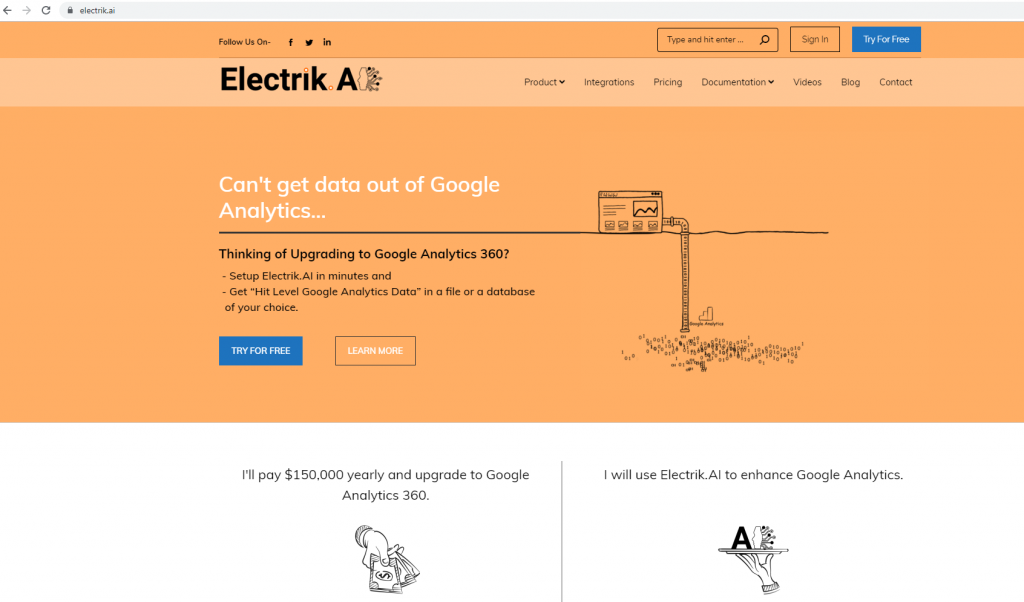
Step 2: Fill up the registration form on the Signup page.

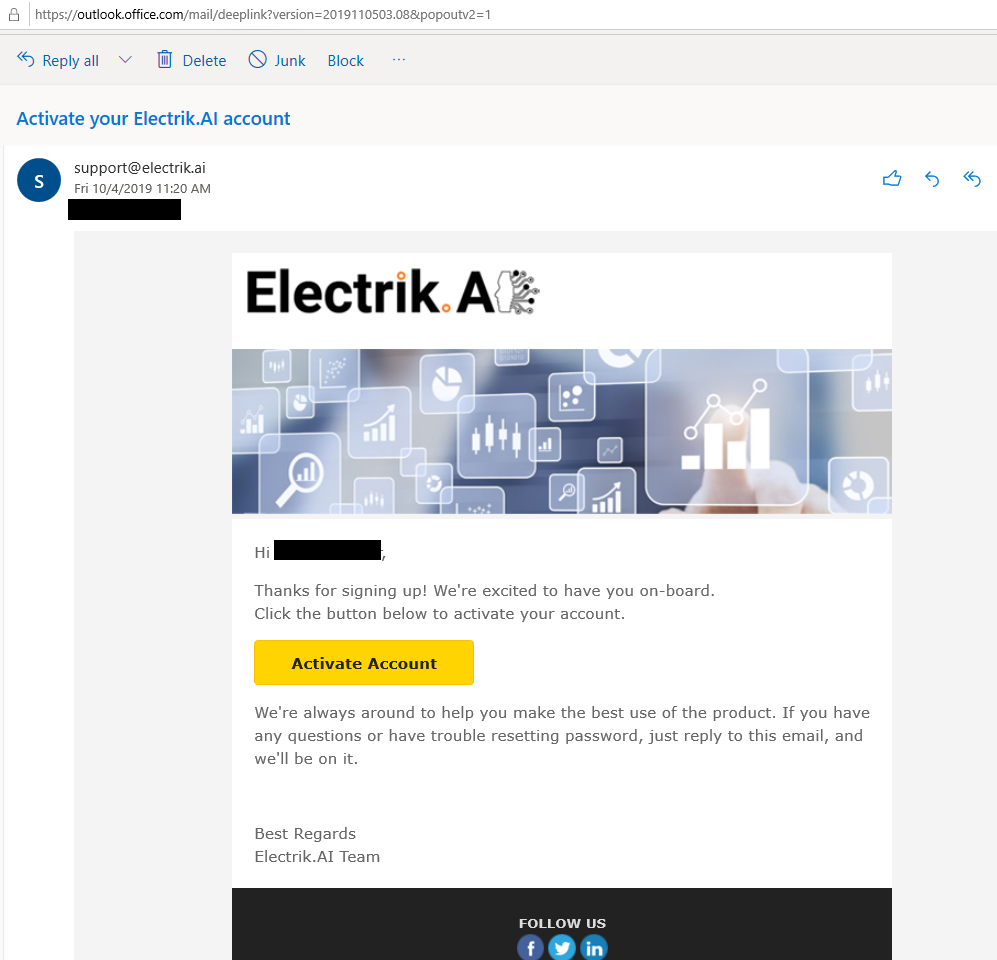
Step 3: Activate your Electrik.AI account using the link received in your email.
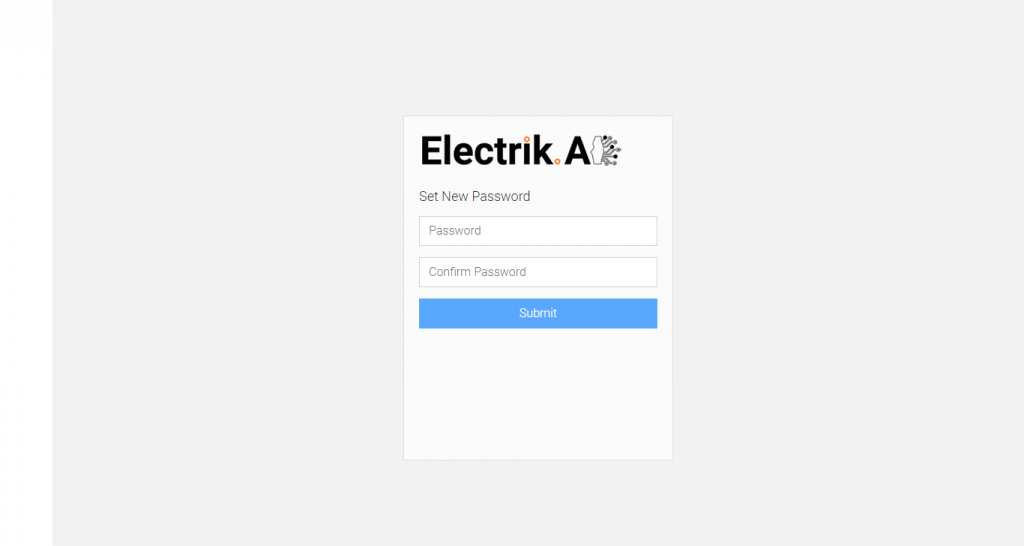
Step 4: Setup a secure password for your Electrik.AI account.
Step 5: Congratulations, you have successfully created your Electrik.AI account.
Sign in
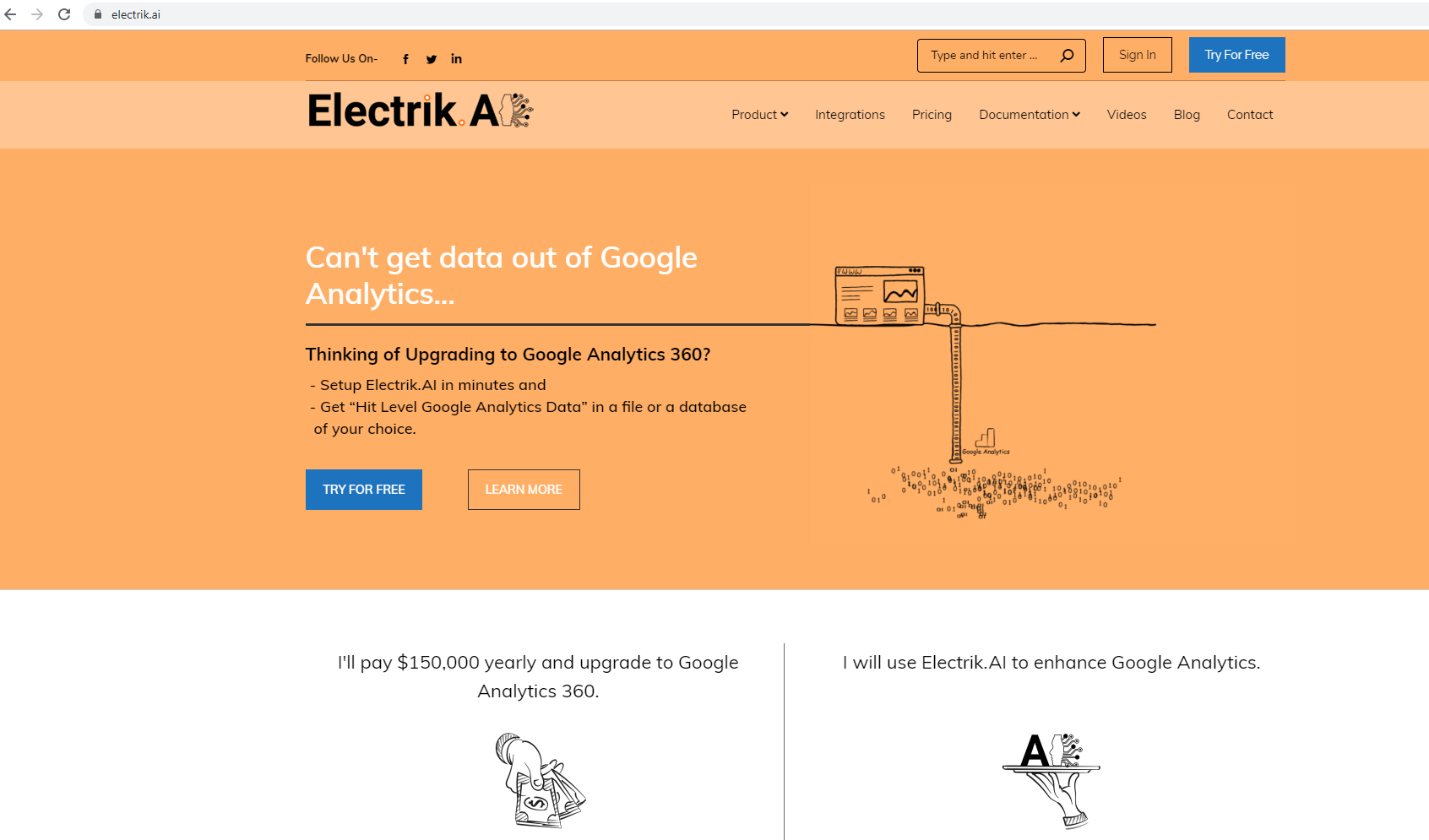
Step 1: Go to “https://electrik.ai”. Click on ‘Sign In’ button to login to your account.
Step 2: Enter your registered email id and password.
Step 3: Congratulations, you have successfully logged into your Electrik.AI account
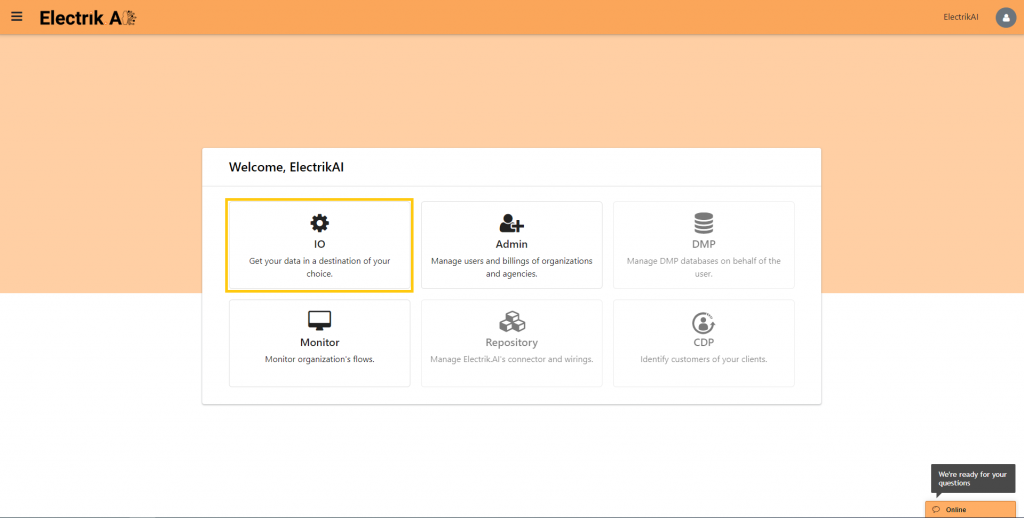
Forgot or Reset your Password
Step 1: Go to “https://electrik.ai”. Click on ‘Sign In’ button to login to your account
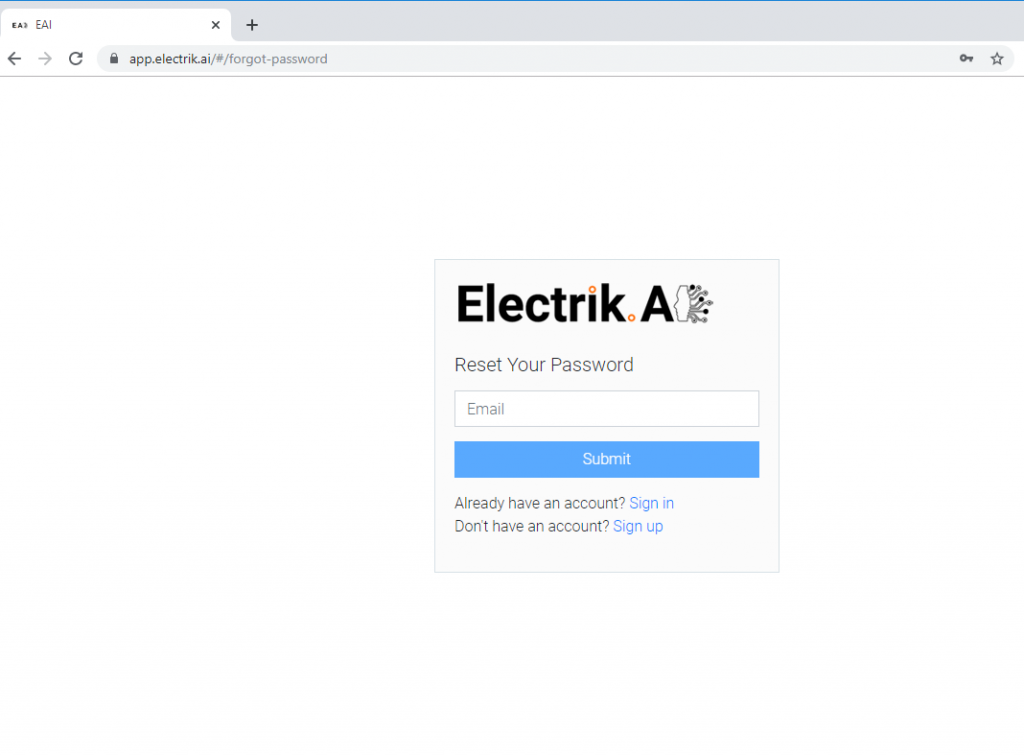
Step 2: Click on Reset your password option from the Sign In screen
Step 3: Enter the email address used to register your Electrik AI account.
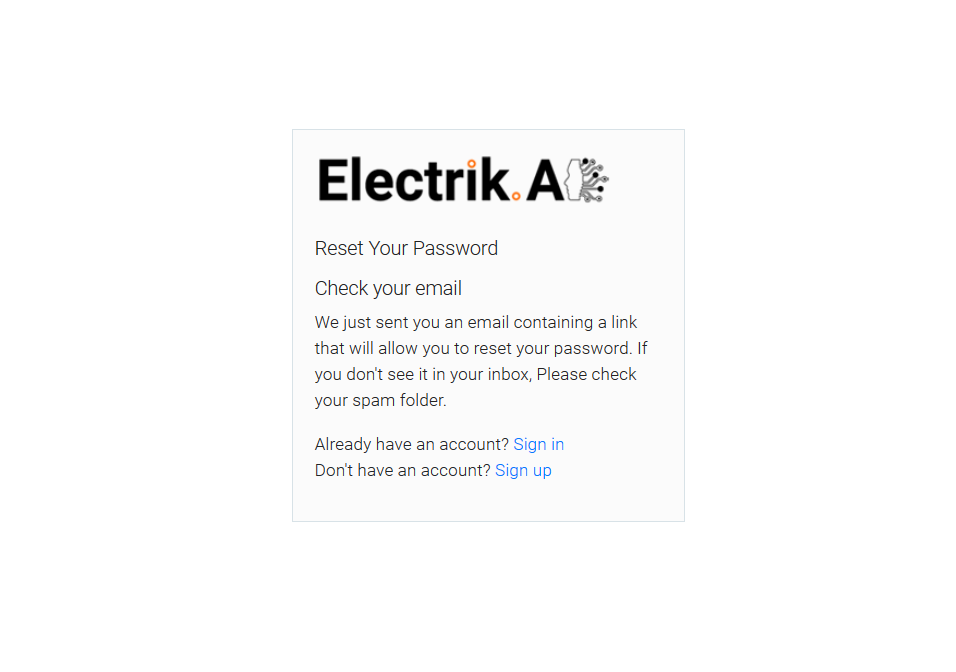
Step 4: Follow the instructions on the screen, and check for an email from Electrik.AI in your inbox.
Step 5: Click on the Reset Password button in the email.

Step 6: Setup a new password for your Electrik.AI account.
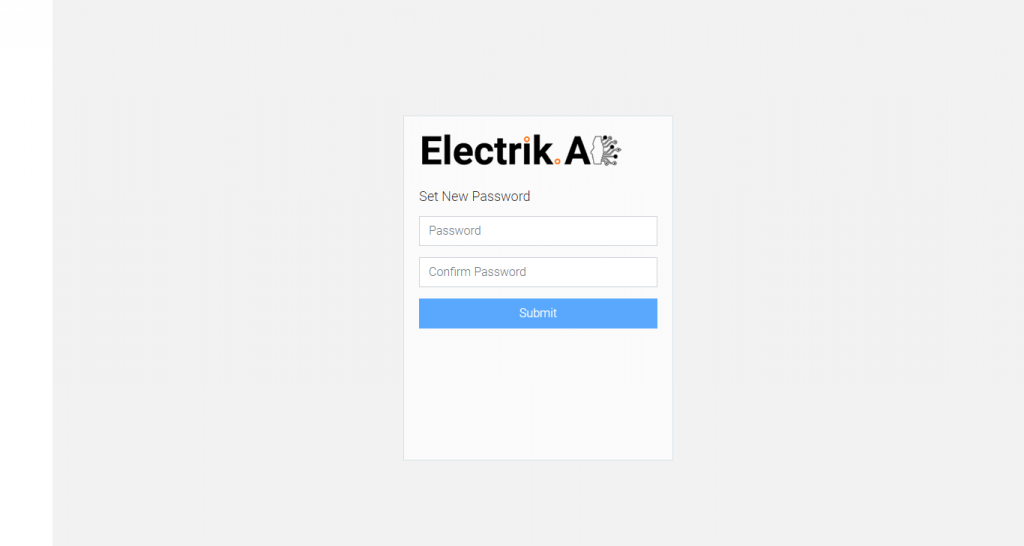
Step 7: Congratulations, you have successfully reset your Electrik.AI account password.